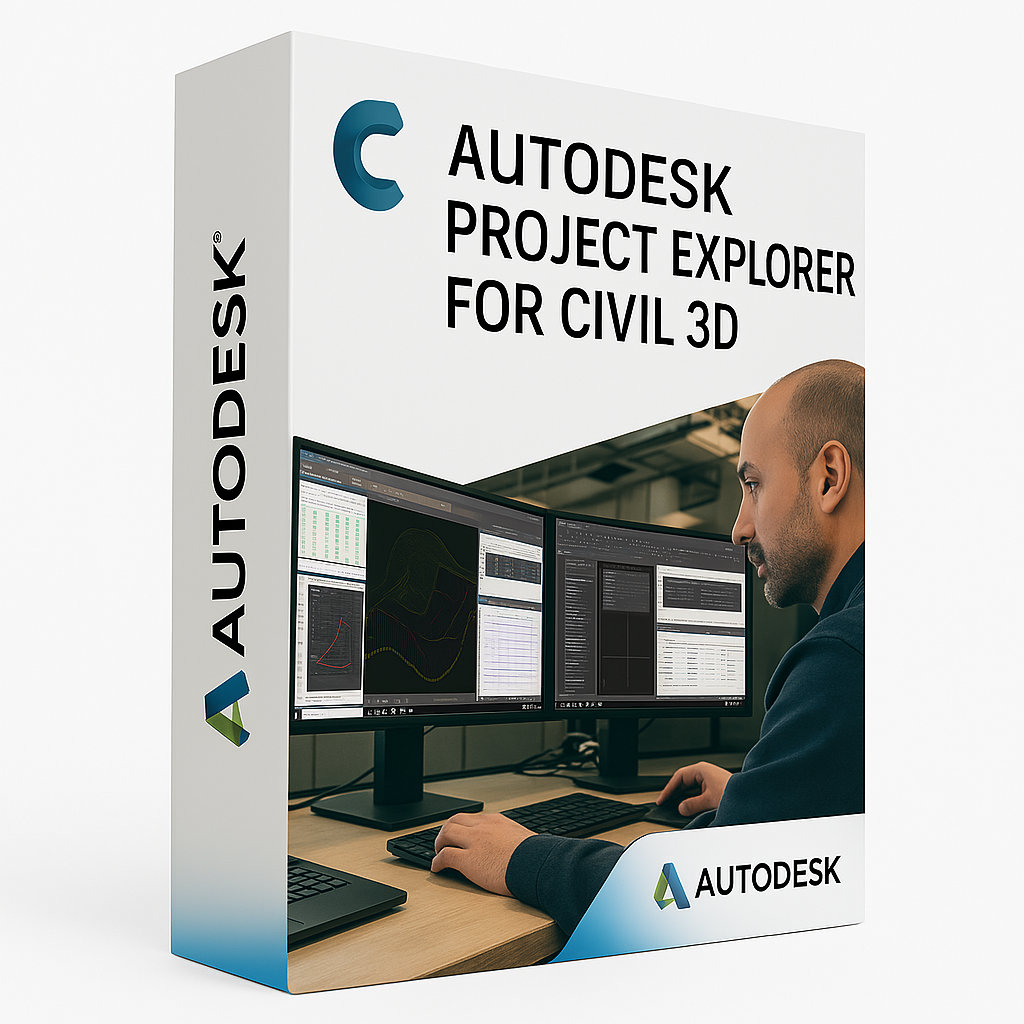
Autodesk Civil 3D
Civil 3D is an advanced civil engineering design and documentation solution that supports Building Information Modeling (BIM) workflows. It is used by engineers and designers to plan, design, and deliver complex infrastructure projects such as roads, highways, subdivisions, stormwater systems, and land development.
Design Smarter with Intelligent Modeling Tools
Civil 3D enables the creation of dynamic 3D models for terrain, alignments, corridors, grading, and pipe networks. These models are interconnected—any design change is reflected instantly across profiles, cross-sections, and construction documentation, reducing rework and increasing accuracy.
Automate Documentation and Quantities
Save time by automatically generating construction documents such as plan and profile sheets, quantity takeoffs, and volume calculations. Civil 3D ensures that your documentation is always in sync with your design model.
Collaborate Seamlessly Across Teams
Civil 3D works smoothly with Autodesk Docs, Revit, InfraWorks, and Navisworks, enabling real-time cloud collaboration. Share data-rich models, manage design revisions, and coordinate across disciplines throughout the project lifecycle.
Key Features
- Dynamic corridor and roadway modeling
- Grading optimization and terrain analysis
- Pipe network design for storm, sanitary, and pressure systems
- Automated plan production and annotation tools
- Volume calculations and quantity takeoff reports
- Integration with InfraWorks, Revit, and Autodesk Docs
- Support for industry standards and workflows
Who Uses Civil 3D?
Civil 3D is ideal for civil engineers, transportation planners, surveyors, and land developers involved in infrastructure, urban planning, and public works. It is trusted worldwide to deliver accurate, efficient, and coordinated project outcomes.
⚠️ IMPORTANT:
Included Extension: Project Explorer is an extension included with the Civil 3D subscription. It cannot run alone; you must have the corresponding version of Civil 3D installed.
Windows Only: Like Civil 3D, this tool is Windows Only.
Resource Usage: Project Explorer acts as a massive data grid (spreadsheet-like interface) for your Civil 3D model. While it is lightweight on the GPU, it is Heavy on RAM when processing large corridors or pipe networks.
📊 System Requirements: Civil 3D - Project Explorer
| Operating System (OS) |
64-bit Windows 10 (v1809+)<br>64-bit Windows 11
|
Windows 11<br>(Aligned with host Civil 3D requirements)
|
| Host Software |
Autodesk Civil 3D (Same Version) |
— |
| Processor (CPU) |
2.5–2.9 GHz (Basic) |
3.0 GHz+ (Base), 4.5 GHz+ (Turbo)<br>(Populating the data grid relies on single-core CPU speed)
|
| Memory (RAM) |
16 GB |
32 GB (Standard)<br>64 GB (For complex corridors with frequent dynamic updates)
|
| Graphics (GPU) |
2 GB VRAM<br>DirectX 11 compliant
|
8 GB VRAM<br>DirectX 12 compliant<br>(The extension itself is not GPU heavy, but the viewport updates it triggers are)
|
| Disk Space |
1 GB (Plugin only)<br>+ 20 GB (Host Civil 3D)
|
SSD (Solid State Drive)<br>Essential for fast report generation (PDF/HTML/Excel).
|
| Display |
1920 x 1080 True Color |
Dual Monitors (1920 x 1080 or 4K)<br>(Critical for workflow efficiency)
|
| Framework |
.NET Framework 4.8 |
.NET 8 (For 2025/2026) |
💡 Performance Advice for Project Explorer
The "Dual Monitor" Requirement:
While not technically "required" by code, Project Explorer is designed to be used alongside the Civil 3D viewport.
Recommendation: You need one monitor for the Project Explorer window (to edit data/tables) and a second monitor to see the changes happen in the model/profile view instantly. Using this on a single laptop screen is extremely difficult.
RAM Consumption:
When you open Project Explorer, it scans the entire Civil 3D drawing database (pipes, assemblies, surfaces, alignments) to populate the lists.
On large projects, if you have only 16 GB RAM, opening the Project Explorer window might cause a 5-10 second "freeze." 32 GB RAM makes this interaction instant.
PDF/Excel Report Generation:
Project Explorer is often used to export quantity takeoffs and reports.
This process writes data rapidly. Ensure your target folder is on a fast SSD rather than a slow network drive to speed up report generation.
Mac Users:
Not Supported.
Project Explorer relies heavily on Windows Presentation Foundation (WPF) and .NET frameworks, making it impossible to port to macOS without a complete rewrite. Windows is mandatory.