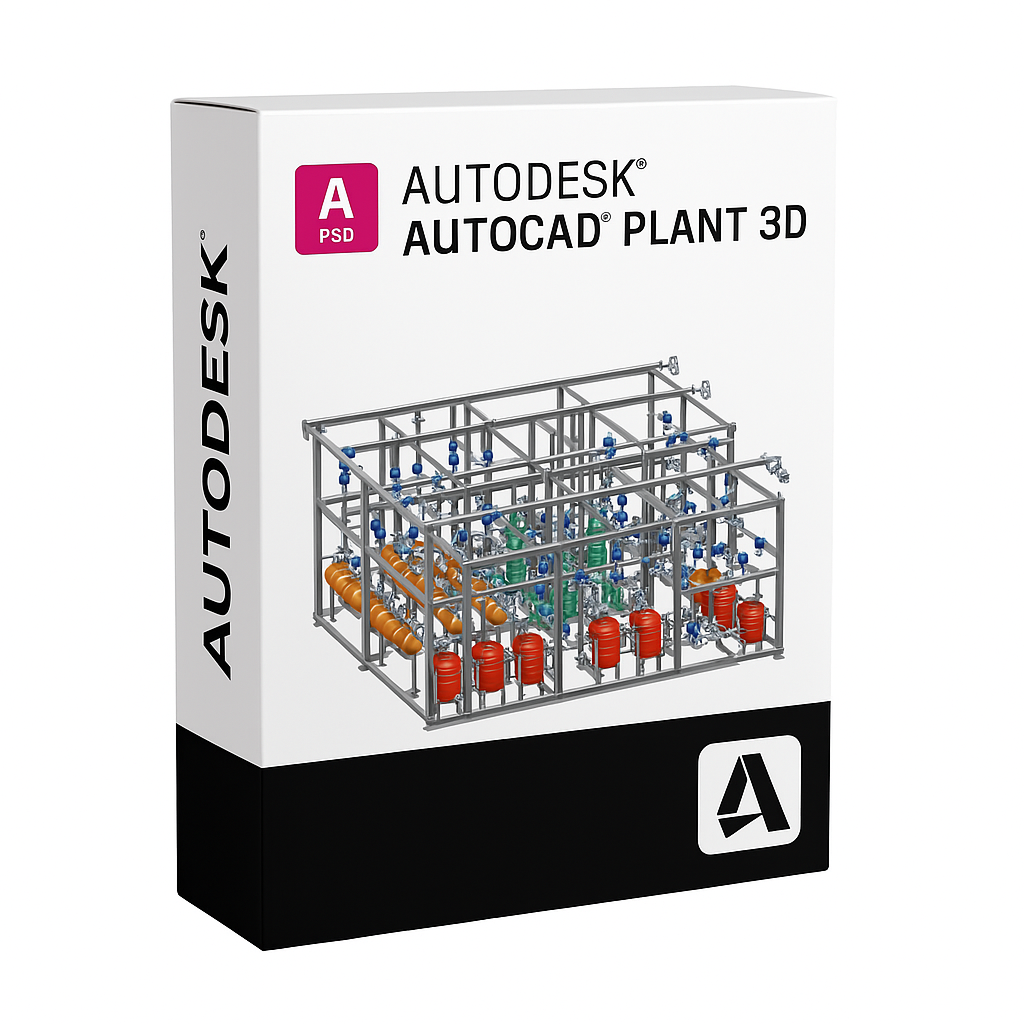
Autodesk AutoCAD Plant 3D
AutoCAD Plant 3D is a powerful 3D modeling toolset built on the AutoCAD platform, designed specifically for piping and plant design professionals. It enables engineers and designers to create, modify, and manage intelligent process plant models with greater speed, accuracy, and coordination.
Efficient 3D Plant Design
AutoCAD Plant 3D simplifies the creation of P&IDs (piping and instrumentation diagrams) and seamlessly integrates them into detailed 3D plant models. The software includes built-in piping specifications, equipment templates, and isometric drawing generation tools that help teams accelerate plant design workflows.
Intelligent P&ID Integration
Create intelligent P&ID diagrams that stay linked to your 3D model. Changes made in one environment are automatically updated across the project, reducing errors and ensuring design consistency throughout your process engineering workflow.
Collaborative Project Management
With integrated data management tools and cloud-based collaboration via Autodesk Docs, teams can easily manage piping specs, documentation, and model revisions across departments and disciplines—improving coordination and reducing costly rework.
Key Features
- 3D piping design with customizable spec-driven components
- Integrated P&ID tools with intelligent data linking
- Automated generation of isometrics, orthographics, and BOMs
- Built-in catalogs for valves, pipes, and fittings
- Cloud collaboration with Autodesk Docs
- Fully compatible with DWG files and AutoCAD-based workflows
Who Uses AutoCAD Plant 3D?
AutoCAD Plant 3D is ideal for plant designers, piping engineers, and process engineers working in the oil & gas, chemical, power, water treatment, and manufacturing industries. It delivers a complete toolset for 3D plant layout, pipe routing, and intelligent documentation.
⚠️ IMPORTANT:
Windows Only: AutoCAD Plant 3D is a "Specialized Toolset" and does not have a macOS version.
Project Storage: Unlike standard AutoCAD, Plant 3D uses a project database (SQLite for single users, SQL Server for teams). Fast storage (SSD) is critical for performance.
🏭 System Requirements: AutoCAD Plant 3D (2023–2026)
| Operating System (OS) |
64-bit Windows 10 (v1809+)<br>64-bit Windows 11
|
Windows 11<br>(Optimized for latest .NET 8 framework)
|
| Processor (CPU) |
2.5–2.9 GHz (Basic Processor) |
3.0 GHz+ (Base), 4.0 GHz+ (Turbo)<br>(Single-core speed is critical for Spec Editor and Orthographic generation)
|
| Memory (RAM) |
8 GB |
16 GB (Standard Projects)<br>32 GB (Large Piping Models / Point Clouds)
|
| Graphics (GPU) |
2 GB VRAM, 29 GB/s Bandwidth<br>DirectX 11 compliant
|
8 GB VRAM, 106 GB/s Bandwidth<br>DirectX 12 compliant<br>(Essential for smooth 3D orbiting of complex pipe racks)
|
| Disk Space |
12–15 GB free space<br>(Includes standard Spec catalogs)
|
SSD (Solid State Drive)<br>NVMe M.2 is mandatory for acceptable performance with local databases.
|
| Display |
1920 x 1080 True Color |
3840 x 2160 (4K)<br>Dual monitors highly recommended
|
| Database |
SQL Server Express (LocalDB) |
SQL Server Standard/Enterprise<br>(Required for multi-user/server-based projects)
|
| Framework |
.NET Framework 4.8 |
.NET 8 (For 2025/2026) |
💡 Performance Advice for Plant 3D Users
Database Strategy (Crucial):
Single User: The default SQLite database is fine.
Multi-User (LAN): You must use Microsoft SQL Server. Using the default SQLite database on a network share will cause corruption and extreme slowness.
Cloud Collaboration: If using "Autodesk Construction Cloud" (BIM Collaborate Pro), the internet connection speed and local cache SSD speed are the bottlenecks.
Orthographic Generation:
Generating 2D Ortho drawings from the 3D model is CPU-intensive.
A CPU with high single-core frequency (e.g., i7-14700K or i9) significantly reduces the time it takes to update views.
Mac Users:
No Native Support: There is no Plant 3D for Mac.
Workaround: Parallels Desktop works for small projects. However, for large industrial plants, the virtualization overhead often makes the 3D viewport laggy. A dedicated Windows PC is strongly recommended.
Spec Editor:
Editing piping specs involves handling large databases. Ensure your Spec Sheets and Catalogs are stored on the fastest drive available (SSD).