Skip to product information
1 of 1

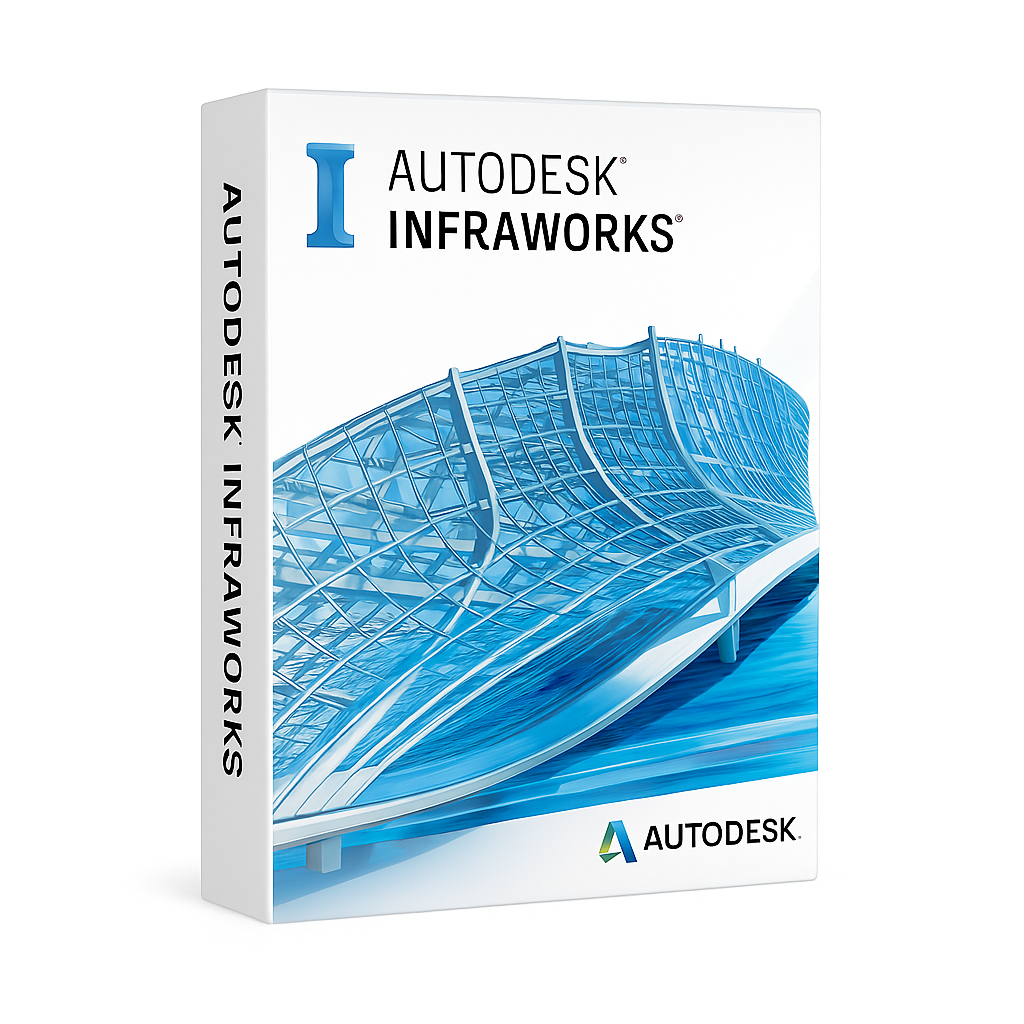
InfraWorks 2023-2024-2025-2026

InfraWorks 2023-2024-2025-2026

Description

Conceptualize civil designs.
Model in real-world context.
Visualize infrastructure.
Analyze roads and bridges.

Regular price $299.00
Regular price Sale price $299.00
Sale Sold out
Subscription Length
Version
Quantity
View full details

Collapsible content

Description

Autodesk InfraWorks

InfraWorks is a conceptual design and modeling software built for civil engineers, urban planners, and infrastructure professionals. It enables the rapid creation of real-world context models for transportation, land, and utility projects—improving collaboration and accelerating decision-making in early design phases.

Visualize and Plan in Real-World Context

InfraWorks lets you combine GIS data, aerial imagery, terrain, buildings, and transportation networks to generate immersive 3D city and infrastructure models. This provides planners and stakeholders with accurate, easy-to-understand visuals for better design communication and faster approvals.

Optimize Road and Bridge Designs

InfraWorks includes powerful tools for corridor modeling, intersection design, bridge layout, and drainage planning. Use real-time traffic analysis and design constraints to evaluate alternatives and optimize routes before moving to detailed design in Civil 3D.

Integrated with BIM and Civil Workflows

InfraWorks integrates with Autodesk Civil 3D, Revit, and BIM 360 for seamless data exchange and collaboration. Share proposals, alignments, and surface data between conceptual and detailed phases without rework.

Key Features

  • 3D context modeling using GIS, LiDAR, and CAD data
  • Conceptual road, highway, and bridge design tools
  • Real-time traffic simulation and mobility analysis
  • Terrain modeling and flood impact visualization
  • Collaboration via Autodesk Docs and BIM 360
  • Export to Civil 3D for detailed design documentation

Who Uses InfraWorks?

InfraWorks is ideal for civil engineers, transportation planners, landscape architects, and government agencies involved in infrastructure development and smart city planning. It’s the go-to tool for fast, collaborative, and visually compelling early-stage design.

⚠️ IMPORTANT:

Windows Only: InfraWorks is Windows Only. There is no native macOS version.

Visualization Heavy: InfraWorks functions more like a 3D Game Engine (unreal/unity style) than a standard CAD tool. It relies heavily on your Graphics Card (GPU) to render large-scale terrain, water, and shadows in real-time.

Cloud Dependency: Features like "Model Builder" (generating terrain from Bing Maps) require a strong, consistent internet connection.


🌉 System Requirements: Autodesk InfraWorks (2023–2026)

Component Minimum Requirement Recommended Configuration
Operating System (OS) 64-bit Windows 10 (Enterprise/Pro)<br>64-bit Windows 11 Windows 11 (Professional / Enterprise)<br>(Recommended for best DirectX 12 support)
Processor (CPU) Dual-core Intel Core i5 / AMD Ryzen 5<br>(2.5 GHz+) Quad-core Intel Core i7 / i9 or AMD Ryzen 7 / 9<br>Speed: 3.0 GHz+ (Base), 4.0 GHz+ (Turbo)<br>(Multi-core performance helps with model regeneration)
Memory (RAM) 16 GB (Absolute Minimum) 32 GB – 64 GB+<br>(Required for complex models with extensive bridges, roads, and detailed textures)
Graphics (GPU) 4 GB VRAM<br>DirectX 11 compliant 8 GB – 12 GB+ VRAM<br>DirectX 12 compliant<br>Series: NVIDIA RTX 3060/4060 or RTX A-Series<br>(Weak GPUs will result in low FPS and jerky navigation)
Disk Space 10 GB (Installation only) SSD (NVMe)<br>Critical: InfraWorks caches massive amounts of terrain data. Ensure your user profile folder is on a fast SSD.
Display 1920 x 1080 True Color 3840 x 2160 (4K)<br>(High-resolution screens are excellent for presentations)
Network 10 Mbps Internet connection Gigabit LAN / High-Speed Fiber<br>(Essential for Model Builder downloads and publishing to Autodesk Docs)
Browser Google Chrome / Microsoft Edge

💡 Performance Advice for InfraWorks Users

The "Gaming PC" Spec:

Unlike AutoCAD or Civil 3D (which are CPU-heavy), InfraWorks is GPU-heavy.

If you are building a PC for InfraWorks, prioritize the Graphics Card. A gaming-grade card (NVIDIA RTX 4070/4080) often performs better in InfraWorks than an entry-level professional card because it handles textures and lighting effects faster.

Model Builder & Storage:

When you create a model using "Model Builder," it downloads satellite imagery and terrain data.

Tip: Do not store active InfraWorks models on a Network Server or Cloud Drive (Dropbox/OneDrive). It will be incredibly slow. Always work on your Local SSD and sync changes back to the cloud/server later.

RAM for Large Areas:

If you are modeling a large city or a long highway corridor (10km+), 16 GB RAM is not enough. The model will fail to load or crash frequently. 32 GB is the standard; 64 GB is best.

Mac Users:

Not Supported.

Boot Camp: On older Intel Macs, Boot Camp works well if the Mac has a discrete AMD Radeon graphics card.

Parallels Desktop (M1/M2/M3): You can run InfraWorks on Parallels, but performance is hit-or-miss. The translation of DirectX 12 calls to Mac Metal often results in graphical glitches (missing water, flickering shadows) or slow frame rates. A Windows PC is highly recommended.

SHIPPING and DELIVERY

SHIPPING & DELIVERY:

All products on www.activsoftkey.com are DIGITAL LICENSES. As soon as you confirm your order, the payment link will be sent instantly to your
WhatsApp or email. Once the payment is completed, you will receive the activation instructions instantly via email.

Emails are sent from “support@activsoftkey.com” — 24/7, including weekends and holidays.

If you do not see your license in your inbox within 10 minutes, please check your “SPAM” or “Junk Mail” folder.

IMPORTANT: Please make sure your email address and whatsapp number is entered correctly at checkout. Your activation instructions, order confirmation, and download links will be delivered to that address.

If you experience any issue, please contact our team here.

PAYMENTS:

We accept all major credit cards including Visa and MasterCard for a secure and flexible checkout experience.

You may also pay via PayPal or direct credit card payment. The payment process is safe, fast, and does not require any manual entry — simply click the link we send.

WARRANTY

At activsoftkey.com, we are committed to providing complete protection and peace of mind for every digital product you purchase.

We proudly offer a 30-day money-back guarantee and full technical support for all licenses bought on our platform.

If your license remains unactivated within the eligible timeframe, you are entitled to a full refund or a replacement with a product of equal value — no hassle, no stress.

Read more about our return and refund policy here:


Refund & Return Policy

In addition, all purchases come with buyer protection included in the price — backed by our verified checkout system and trusted delivery.

You can review our privacy and buyer protection policies here:


Privacy Policy

For any further questions or help with your license, feel free to contact us at
support@activsoftkey.com
or via our dedicated contact form: Contact Support