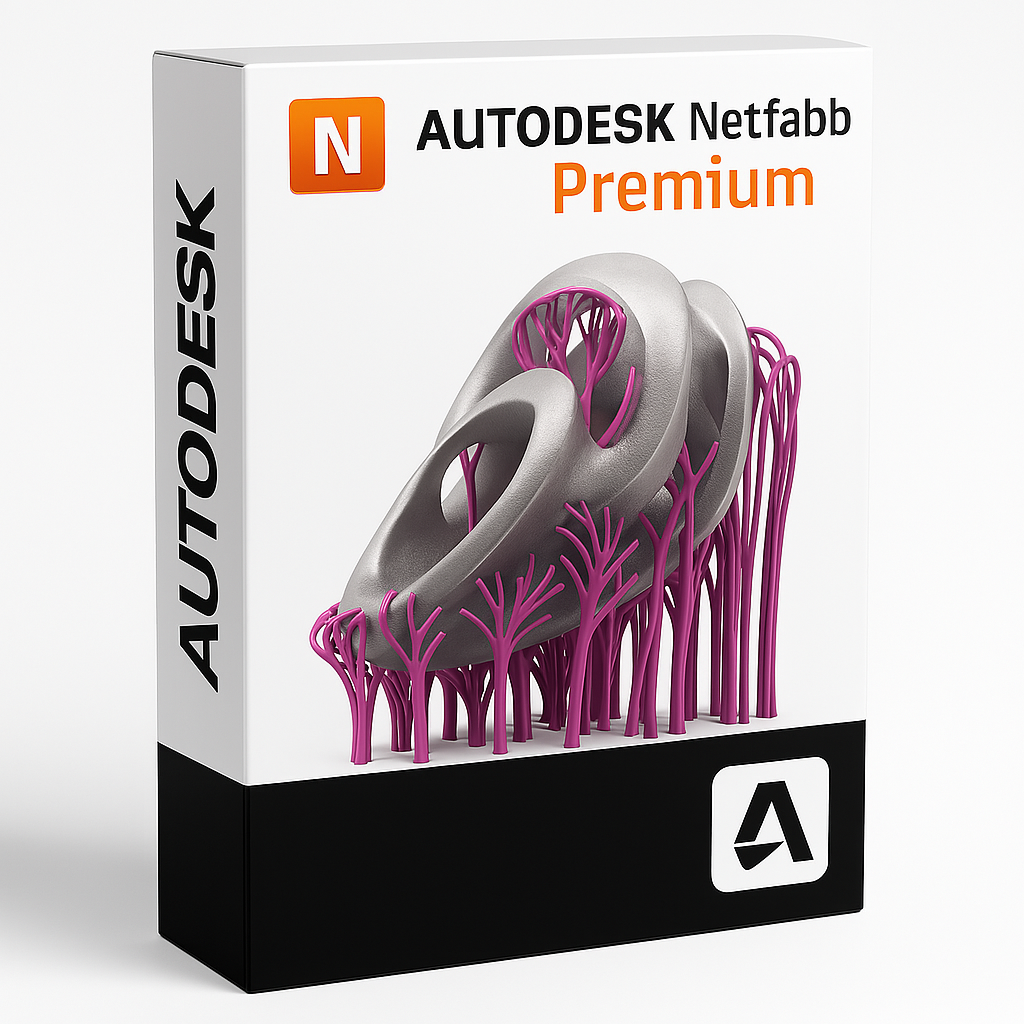
Autodesk Netfabb Premium
Netfabb Premium is a powerful additive manufacturing software tailored for professionals working with industrial 3D printing. It offers a complete toolset for preparing, optimizing, and validating 3D models for production—ensuring higher print success rates and streamlined workflows.
Advanced Part Preparation
Netfabb Premium enables you to import, repair, and edit complex STL and mesh files with precision. Automatically detect and fix geometry issues, hollow parts for material savings, and perform Boolean operations to clean up models for printing.
Support Structure Generation
Create highly customizable support structures for metal and polymer additive manufacturing. Choose from lattice, tree-like, or volume-based supports tailored to your printer and material—improving print stability and reducing post-processing time.
Build Optimization and Nesting
Efficiently nest multiple parts on the build platform to maximize machine usage and reduce print time. Simulate build processes to detect thermal issues and minimize deformation during the additive manufacturing process.
Key Features
- Mesh repair and STL editing tools for clean printable files
- Automatic and manual support generation with advanced customization
- 3D nesting and packing optimization for multi-part builds
- Thermal simulation and distortion prediction tools
- Support for metal, polymer, and hybrid AM workflows
- Direct machine toolpath export for various AM systems
Who Uses Netfabb Premium?
Netfabb Premium is used by aerospace, automotive, medical, and industrial design engineers who rely on precision additive manufacturing. It’s the preferred tool for teams that demand production-ready 3D printing workflows, from model repair to build setup and validation.
⚠️ IMPORTANT:
Windows Only: Netfabb Premium is exclusively a Windows application.There is no native macOS version. * Fusion 360 Bundle: Netfabb Premium is often included as part of the "Fusion 360 with Netfabb" bundle.While Fusion 360 runs on Mac, the Netfabb desktop client does not.
Simulation: While Netfabb Premium handles print preparation, if you upgrade to Netfabb Ultimate for complex metal simulations, the RAM requirements jump significantly (64 GB+).
🪟 System Requirements: Netfabb Premium (2022–2025)
| Operating System (OS) |
2022-2023: Windows 10 (64-bit)<br>2024-2025: Windows 10 or Windows 11
|
Windows 10 or Windows 11<br>(Windows 11 is officially supported starting from version 2024)
|
| Processor (CPU) |
Intel Core i5 / AMD Ryzen 5<br>(2.5 GHz+)
|
Intel Core i7 / i9 or AMD Ryzen 7 / 9<br>Speed: 3.0 GHz+ (Base), 8+ Cores<br>(Slicing and toolpath generation benefit from high clock speeds; Mesh repair uses multi-core)
|
| Memory (RAM) |
16 GB |
32 GB (Standard Print Prep)<br>64 GB (For intricate lattice structures or packing large build volumes)
|
| Graphics (GPU) |
2 GB VRAM<br>OpenGL 3.3 compliant
|
4 GB – 8 GB VRAM<br>NVIDIA RTX Professional / Quadro<br>(Complex lattice visualization requires a strong GPU)
|
| Disk Space |
20 GB free space
|
SSD (NVMe)<br>(Required for fast loading of heavy STL/OBJ/3MF mesh files)
|
| Display |
1920 x 1080 |
3840 x 2160 (4K)<br>(Recommended Scaling: 100%, 125%, 150%)
|
| Pointing Device |
3-button Mouse |
3-button Mouse with Scroll Wheel |
| Framework |
.NET Framework 4.8 |
.NET 8 (For 2025 version) |
🍏 Advice for Mac Users (macOS)
Netfabb Premium does not run natively on macOS. Since print preparation often involves handling massive mesh files (STL/3MF), performance in virtual environments can be poor.
| 1. Parallels Desktop |
⭐⭐ (Medium) |
Usable for: Simple repair and support generation.<br>Issues: Heavy lattice generation or slicing complex models may crash the VM due to RAM limits. Graphical artifacts may appear in the 3D viewport.
|
| 2. Boot Camp |
⭐⭐⭐⭐ (High) |
Intel Macs Only. Runs Netfabb natively. This is the best way to use Netfabb on Apple hardware.
|
| 3. Fusion 360 (Mac) |
⭐⭐⭐ (Alternative) |
Native Mac App. If you only need basic slicing or manufacturing for CNC, the Manufacturing Extension inside Fusion 360 runs natively on Mac, but it lacks the advanced "Netfabb" specific repair/packing tools.
|
💡 Performance Advice for Netfabb Users
RAM for Latticing:
One of Netfabb's key features is generating internal lattice structures to reduce weight.
This process creates millions of triangles. If you plan to use Lattice Commander, 32 GB RAM is the absolute minimum. 64 GB is preferred to prevent crashes.
Display Scaling:
Netfabb's interface can sometimes have scaling issues on 4K monitors if the Windows scaling is set too high (e.g., 200%).
Recommendation: Stick to 100% or 150% scaling in Windows Display Settings.
GPU Drivers:
If you see "ghosting" or if the model disappears when rotating, it is almost always a graphics driver issue.
Ensure you are using the "Enterprise / Professional" drivers for your NVIDIA card, not the "Game Ready" drivers.